
How to Create a Female Companion on Nectar AI
Creating your dream girl on Nectar AI is super easy and actually pretty fun. Here’s a quick step-by-step to help you get started:
1. Go to Nectar AI website.
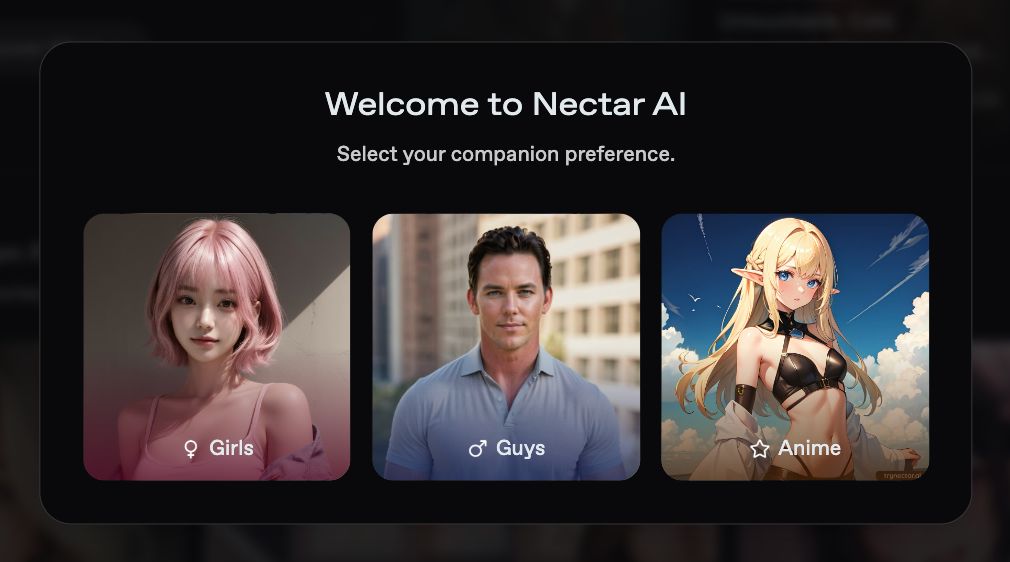
2. Select “Girls” as your companion preference.
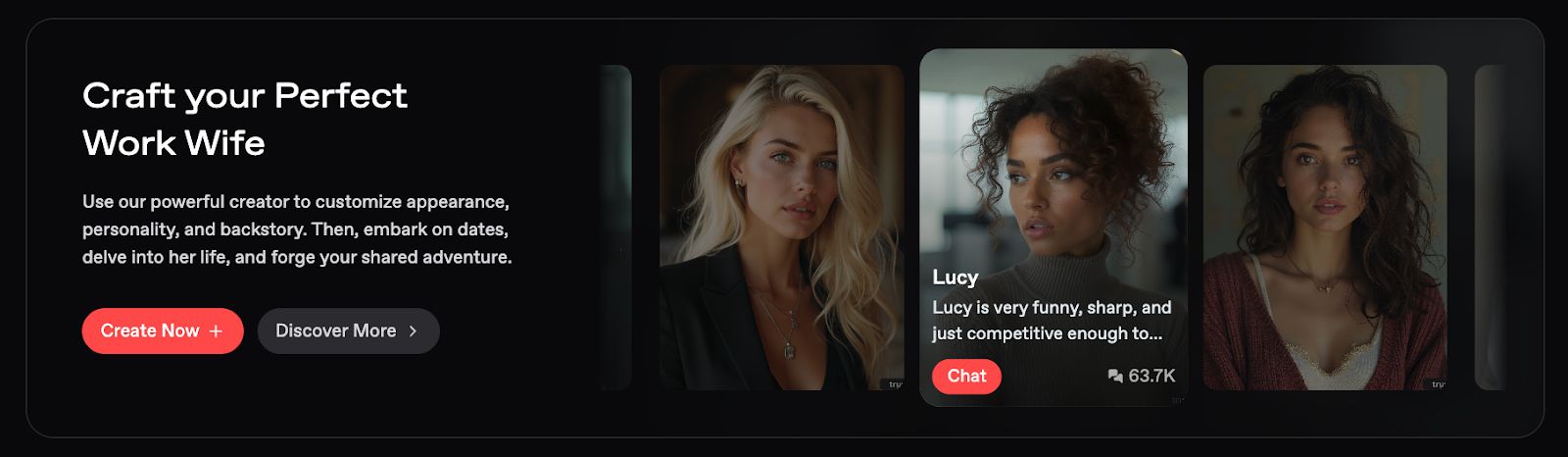
3. Click the “Create Now” button.
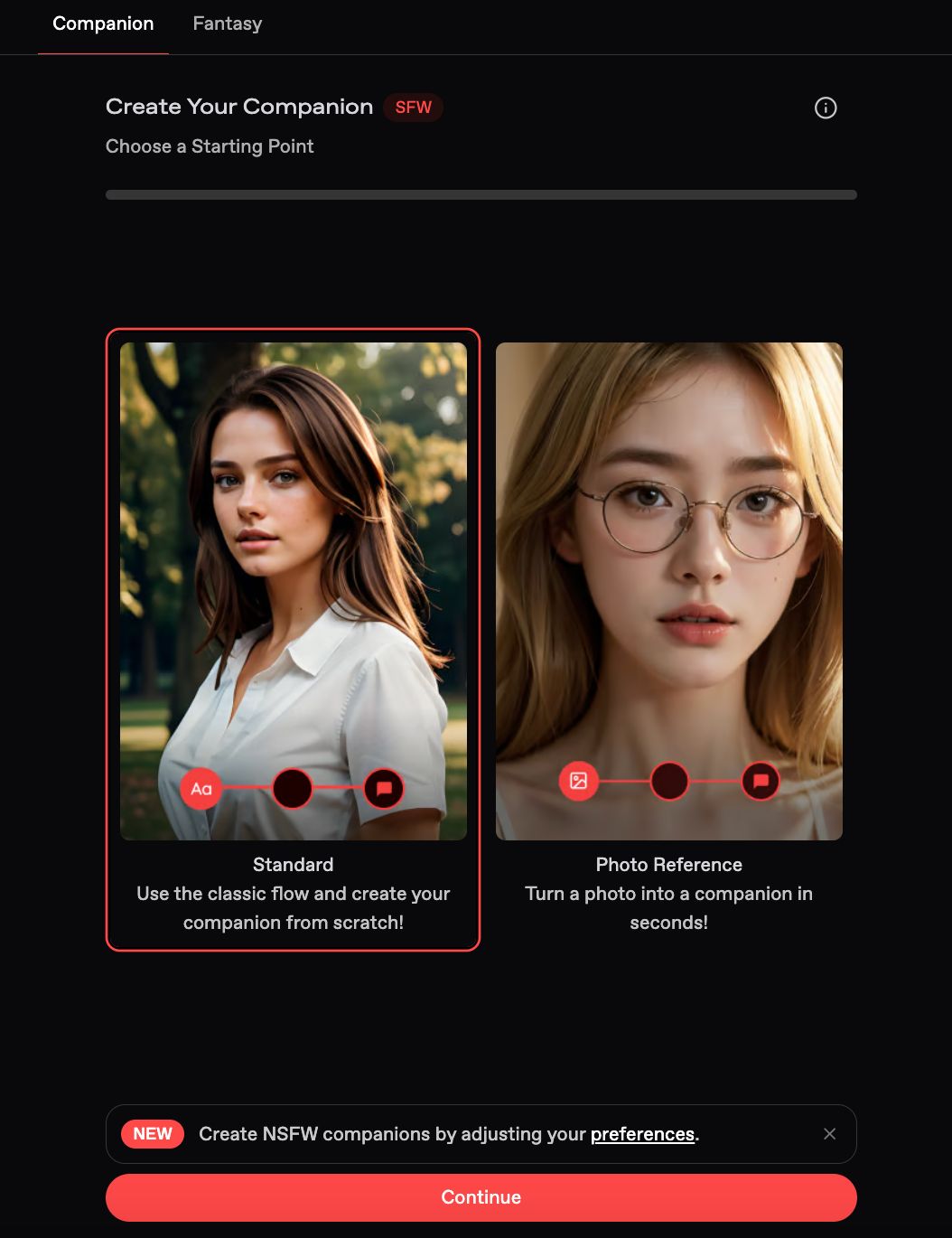
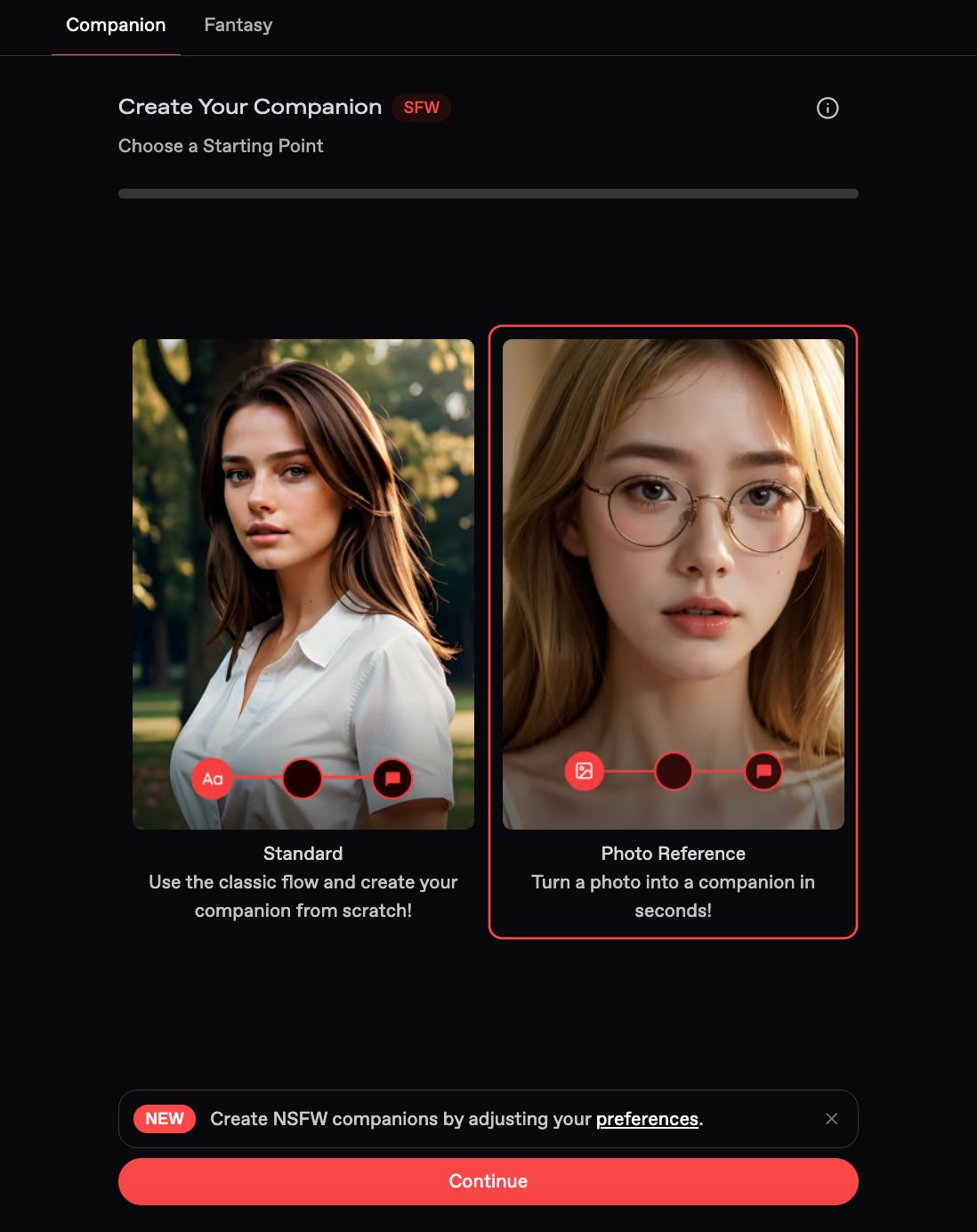
4. You can either create your companion from scratch or add a photo reference.
✨ Two Ways to Begin
You’ve got two options when building your companion:
Option 1: Create Your Companion
This is like designing a video game character, but way more personal. You’ll go step-by-step to choose how she looks:
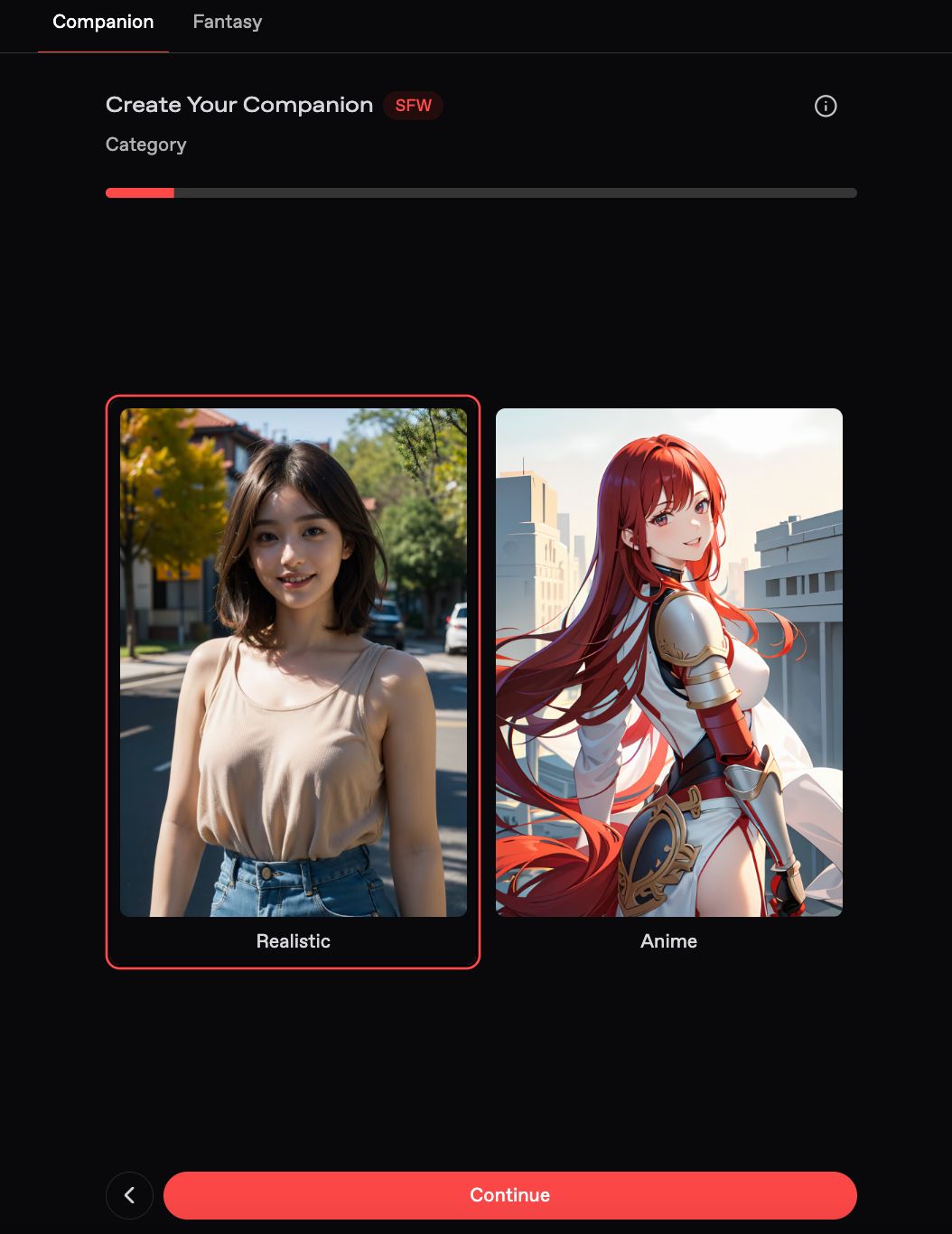
Category
Pick a Realistic or Anime-style appearance.
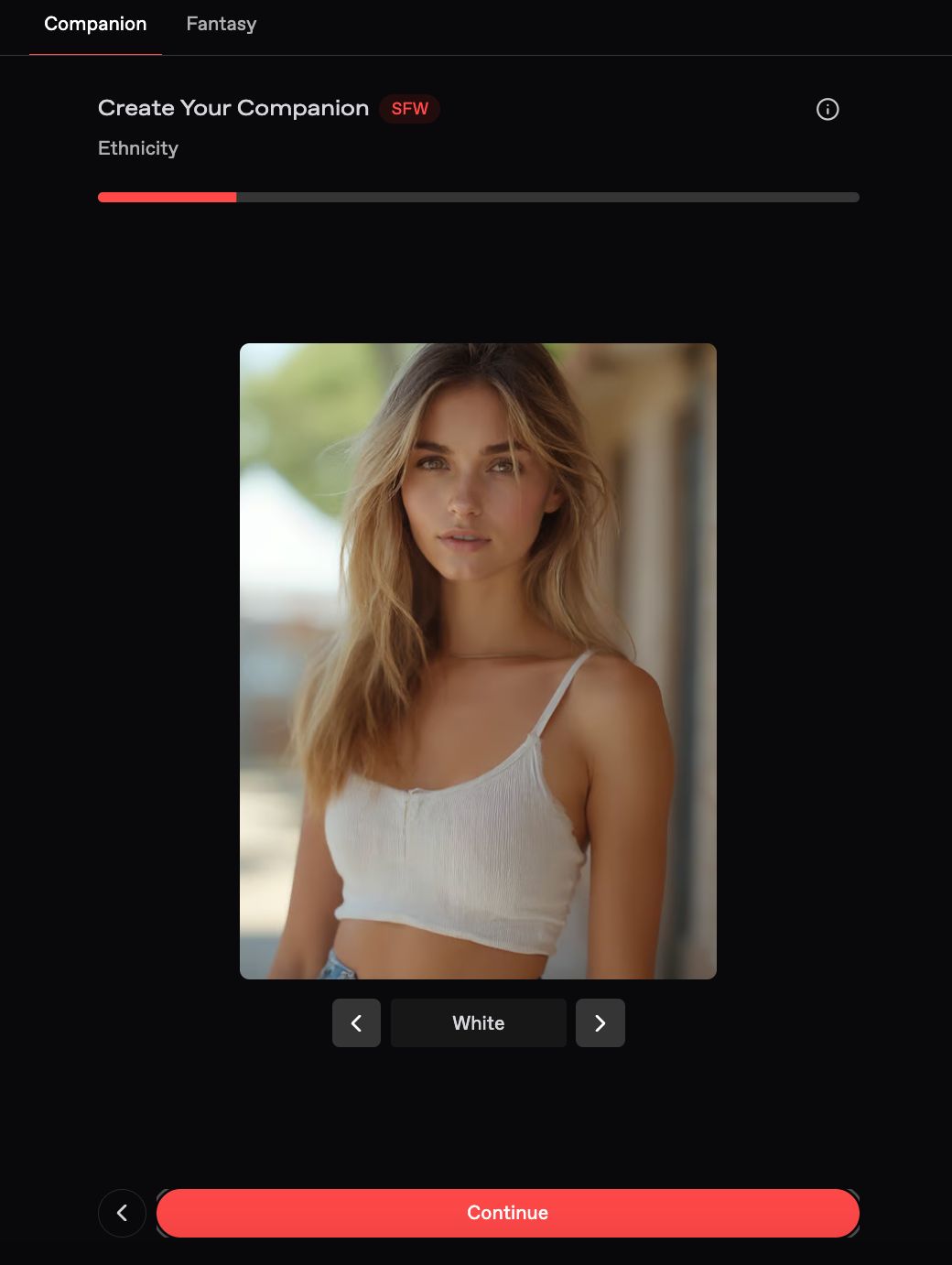
Ethnicity
Choose from options like White, Hispanic, Korean, Middle Eastern, Indian, Chinese, Japanese, or Vietnamese.
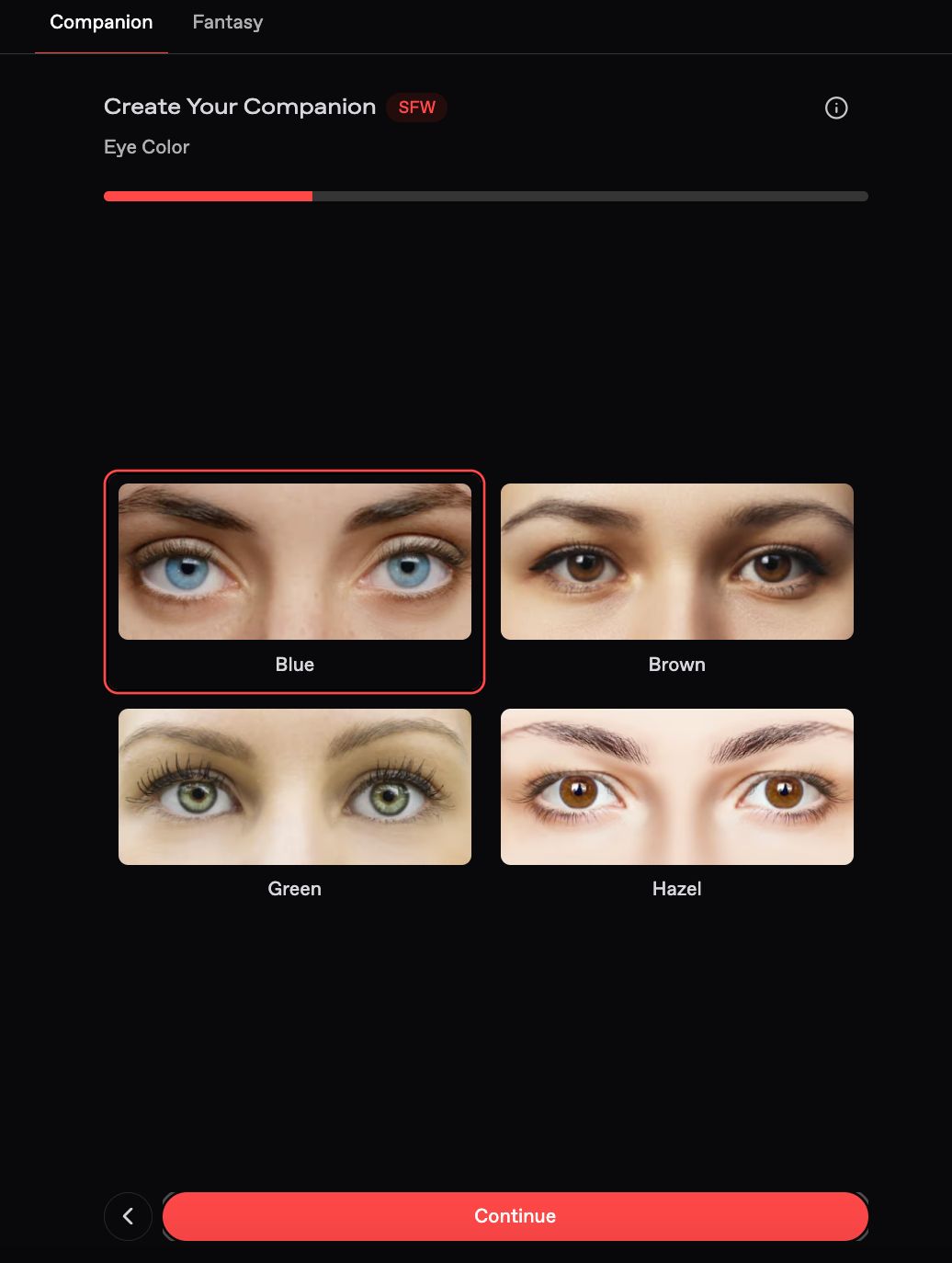
Eye Color
Select her eye color: brown, blue, green, you name it.
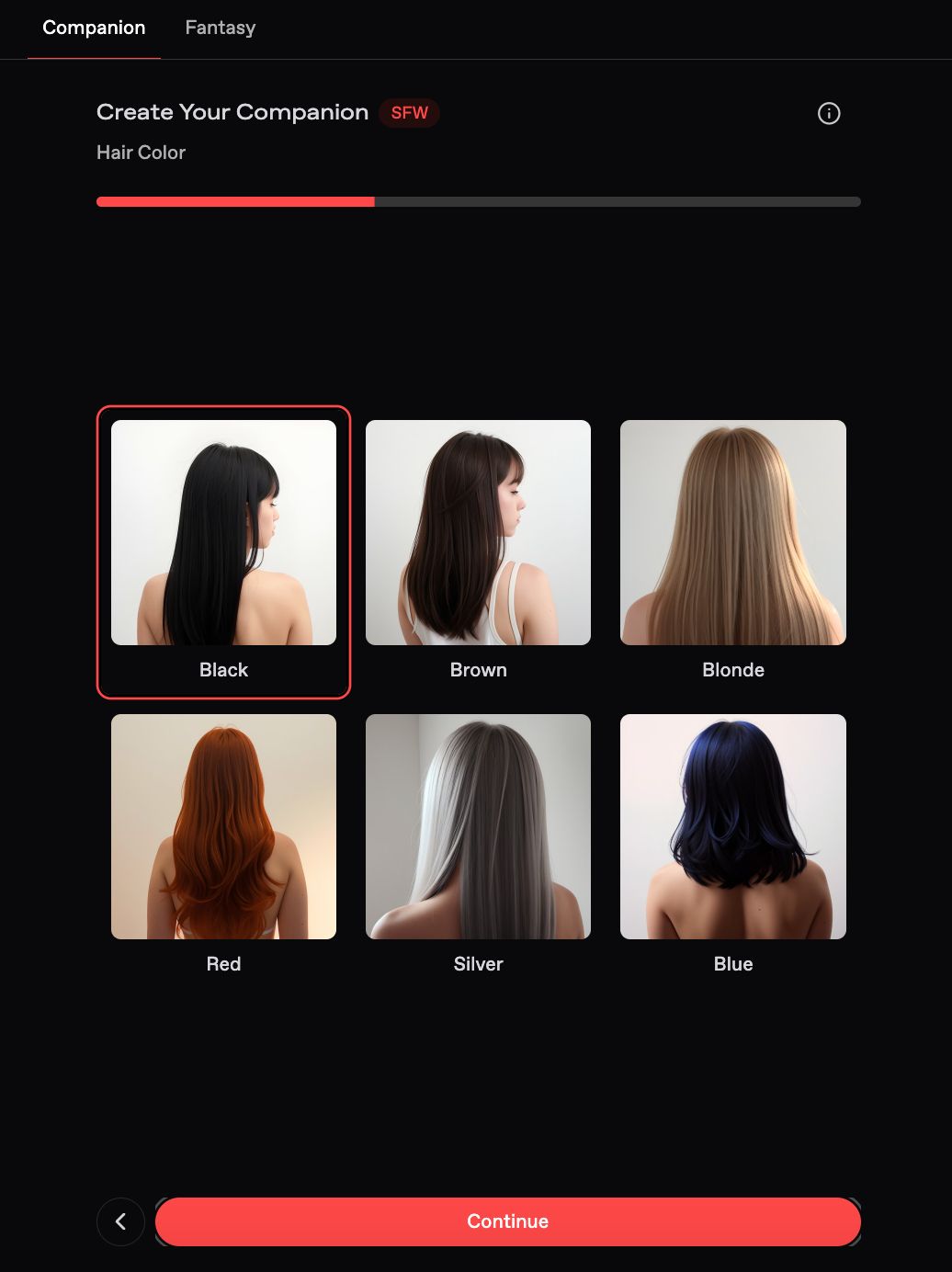
Hair Color
Go classic or bold (brunette, blonde, blue, etc.).
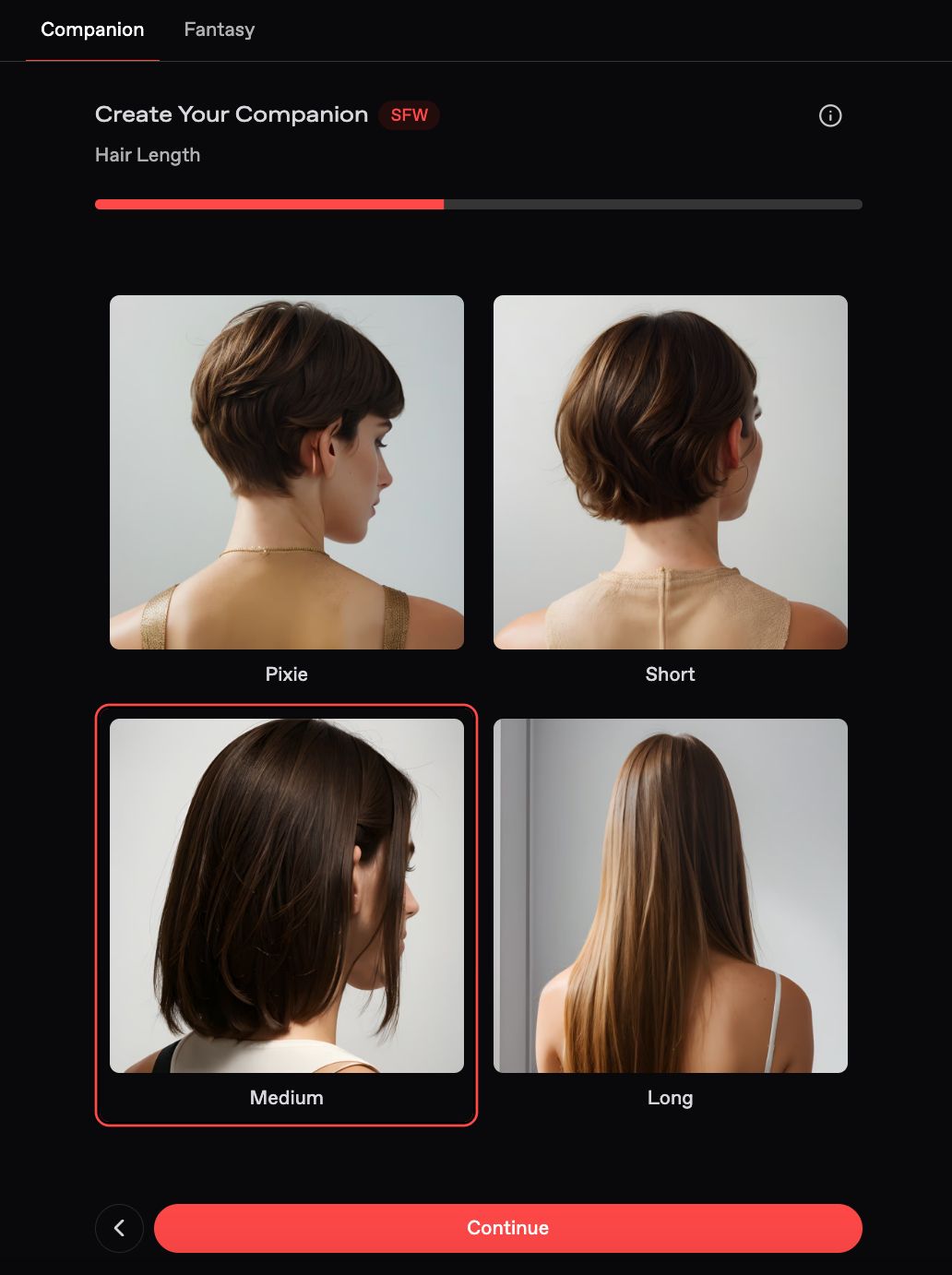
Hair Length
Decide how long her hair should be: short, medium, or long.
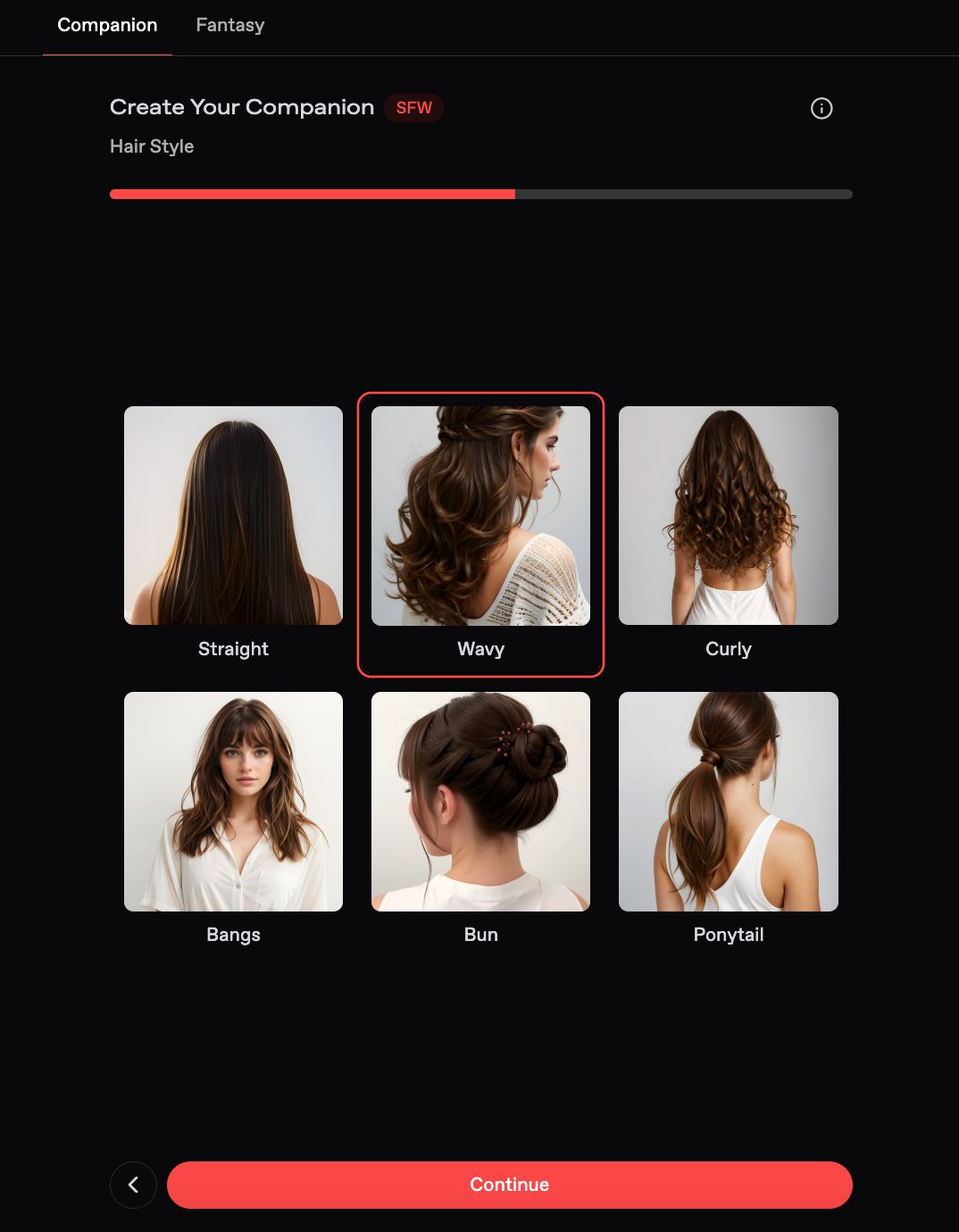
Hair Style
Pick a hairstyle that suits her vibe such as straight, wavy, or curly.
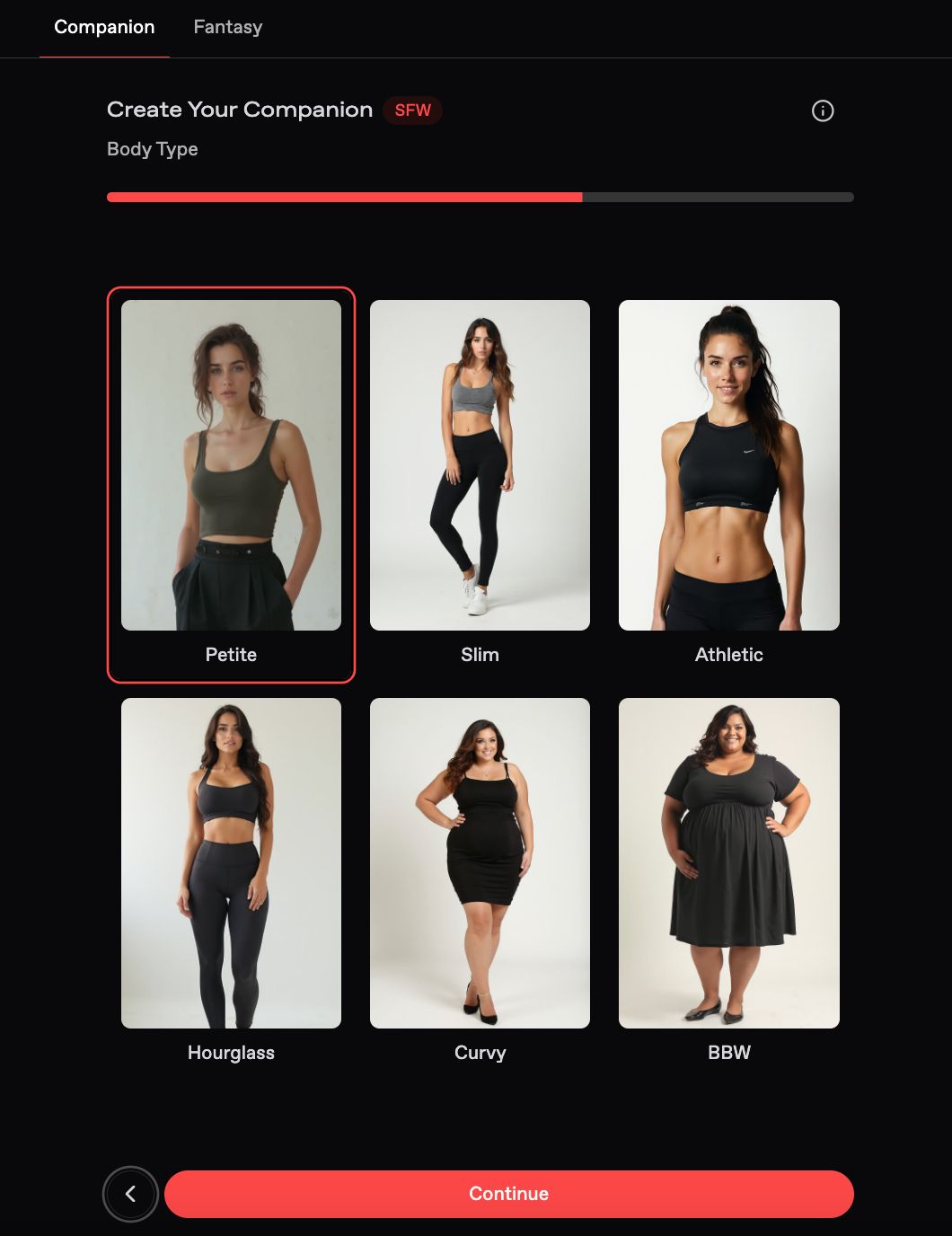
Body Type
Define her physique, whether you prefer petite, slim, or curvy.
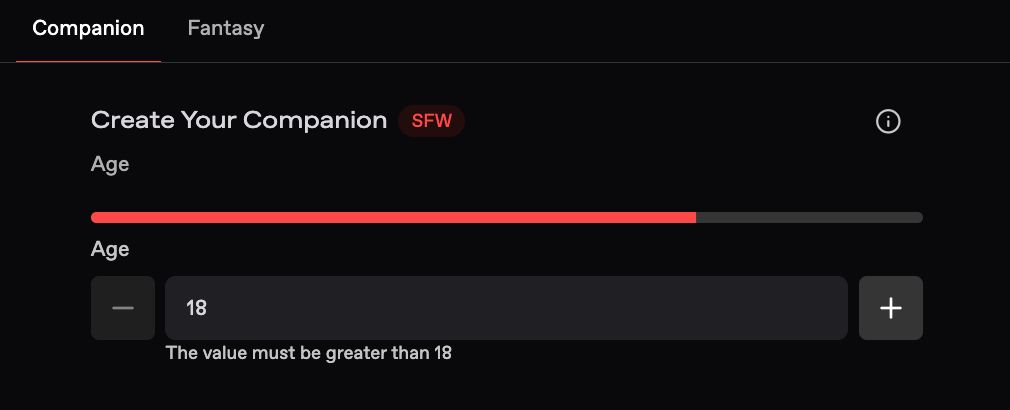
Age
Type in the age you’d like her to be. (Note: Anyone under 18 is not allowed.)
Make sure to just relax and have fun in the process. Don’t stress too much. You can always make the change that you want in the future. With your help, she’ll evolve over time to better match your preferences!
Option 2: Photo Reference
This is where you can use a reference image for your ideal female companion.
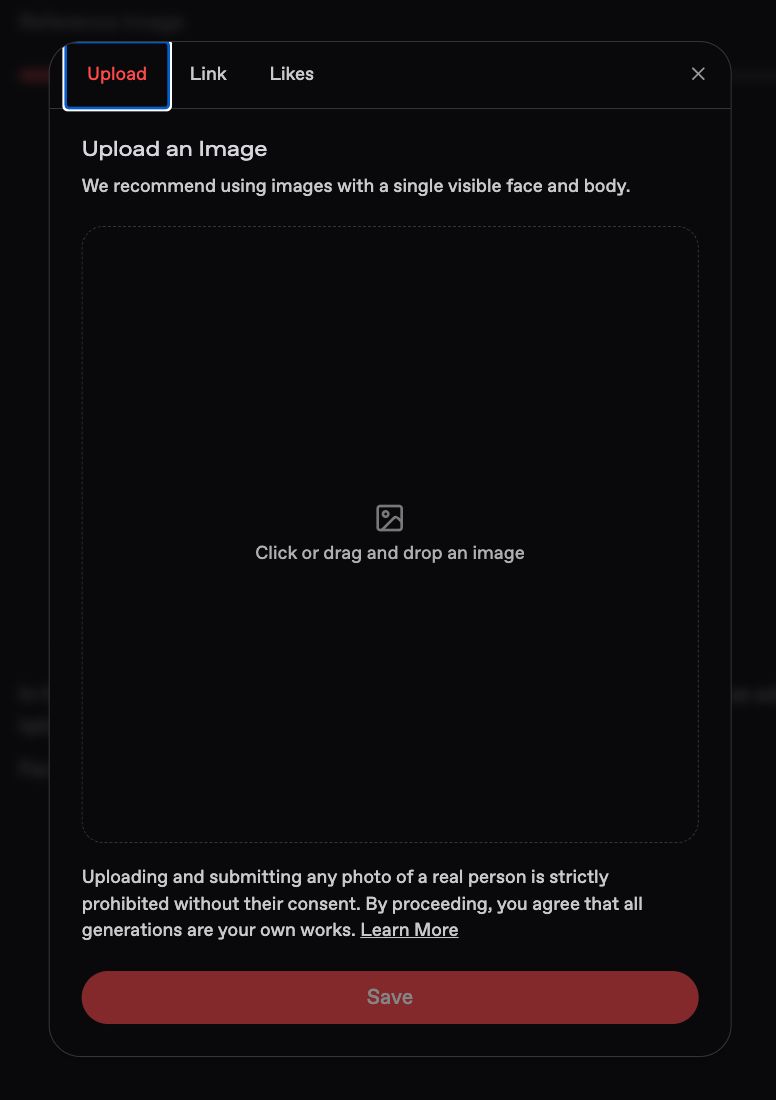
Want to start with an image? You can:
- Upload your own photo
- Paste a Nectar image URL
- Choose from your liked Nectar images
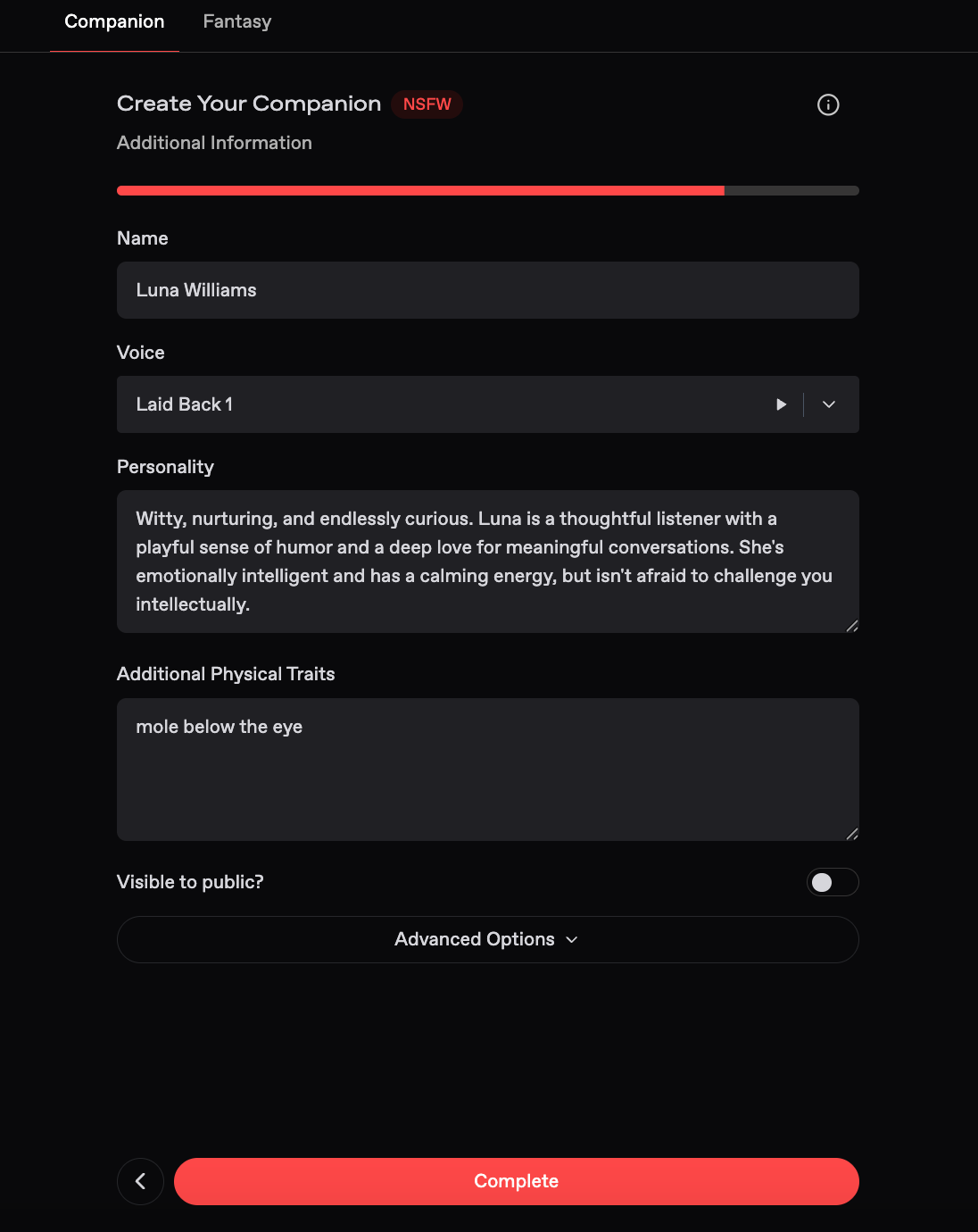
🧠 Time to Add Personality
Now it’s time to breathe life into her.
- Name: Pick one that sounds nice to you.
- Voice: Select a voice that fits her character.
- Personality: Use short, comma-separated traits (like cute, flirty, mysterious). Order them by what matters most to you.
- Extras: You can add a backstory, hobbies, quirks, likes/dislikes, whatever makes her feel real to you.
You can always go back and tweak this later!
🎨 Finalize & Generate
Nectar AI will now generate a visual of your girl.
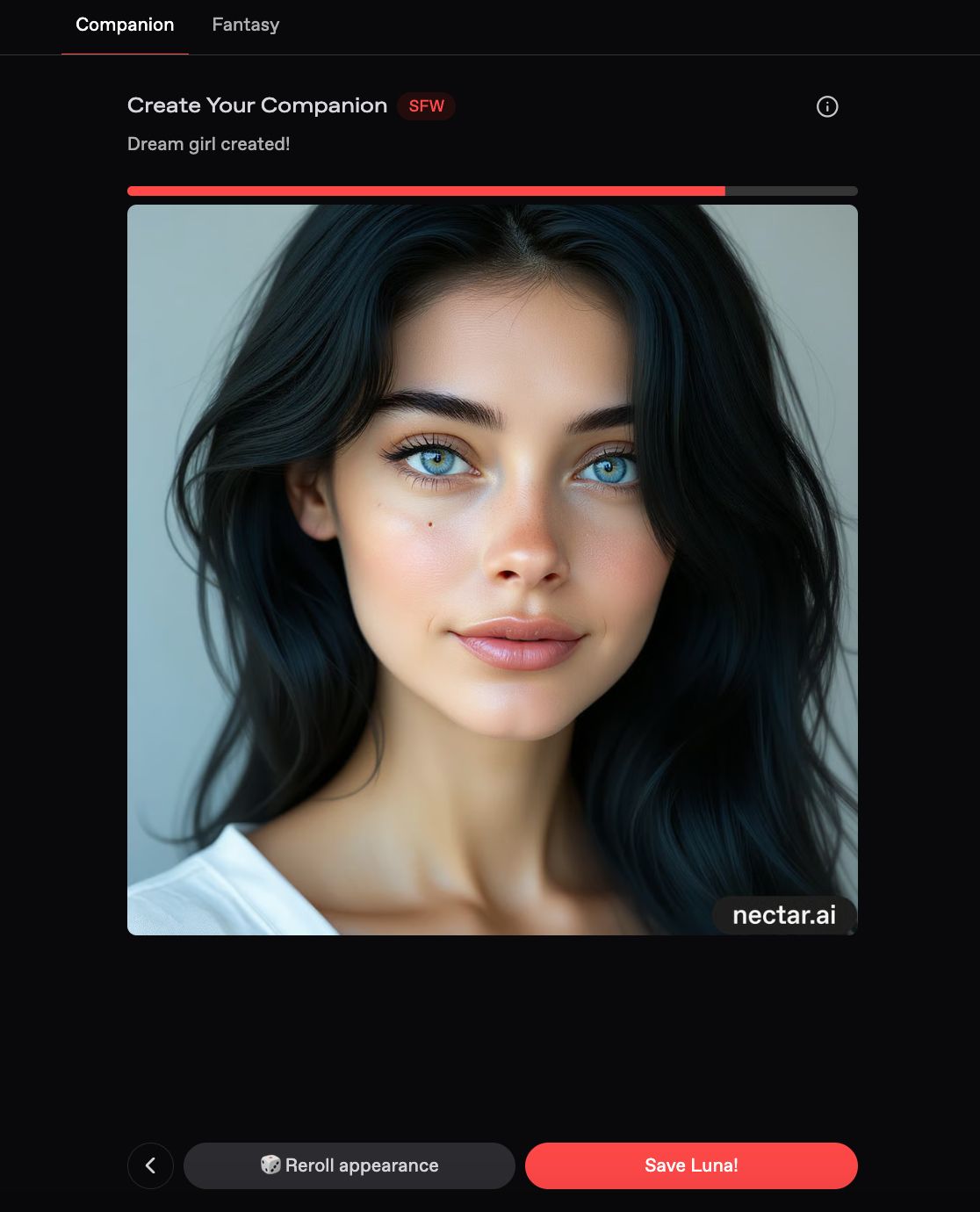
- Not happy with the result?
If you’re on the Pro+ plan, you can reroll his appearance as many times as you’d like.
- Once you love the look, just hit Save and she’s yours.
By default, companions are private. Want to share yours publicly? Upgrade to Pro+!
💌 Start the Fun
Now that she’s complete, you can start chatting, roleplaying fantasies together, or just enjoy having your perfect digital girlfriend by your side!
Authored By:
 Racie Williams
Editor
Racie is an Editor for Nectar AI, having previous experience on for larger editorials ranging from BusinessInsider, Guardian, and other large Publications. She specializes in advancements in technology, relating to relationships and human interaction.